Preview build. Videos are live from YouTube. Guides and the map are researched from public sources and not yet verified in the game.
Make a clip · powered by Oakgen

Turn a Twitch stream into clips

Paste the link to a recorded Twitch stream. Oakgen finds the best moments, ranks them, and cuts the ones you pick into vertical, captioned clips.

Scan the part you wantPaste a Twitch VOD link and choose the stretch, in 30-minute parts and up to 12 hours at a time.
Get the best moments, rankedAsk for the top 5, 10 or 20. Each has a title, a timestamp, a length and a score.
Make clips from the ones you likeDownload them, or open them in Oakgen's editor to change the cut, captions or title.

Opens oakgen.ai in a new tab. You can read the examples and prices without an account. Clipping needs an Oakgen account on the Pro plan or above.

A real example

moments from one GTA V Twitch VOD, scanned from 30:00 to 1:00:00
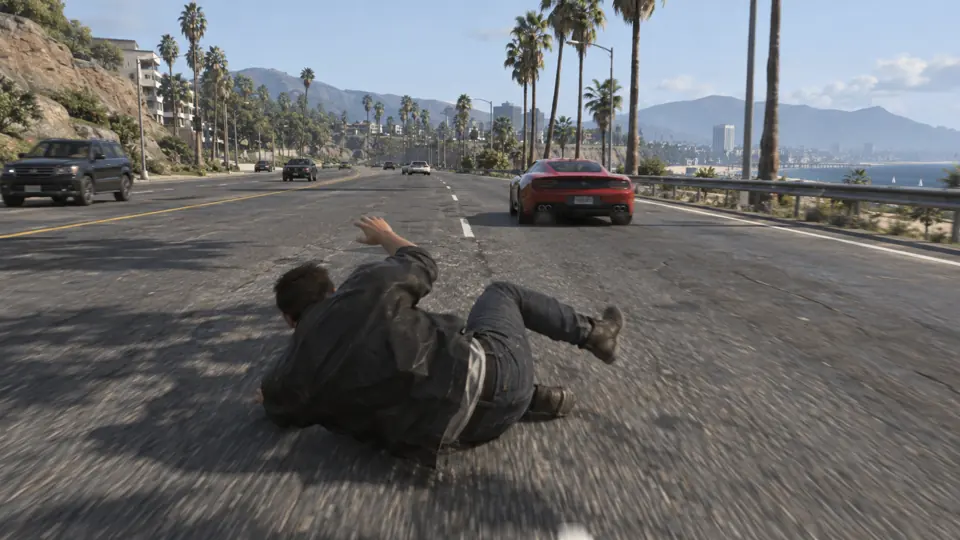
#1Failat 39:53 · 0:17 long · score 72

Chat says “Y is for boost”

Driving fast, he falls for the oldest troll in chat, jumps out of the moving car and fails the mission.
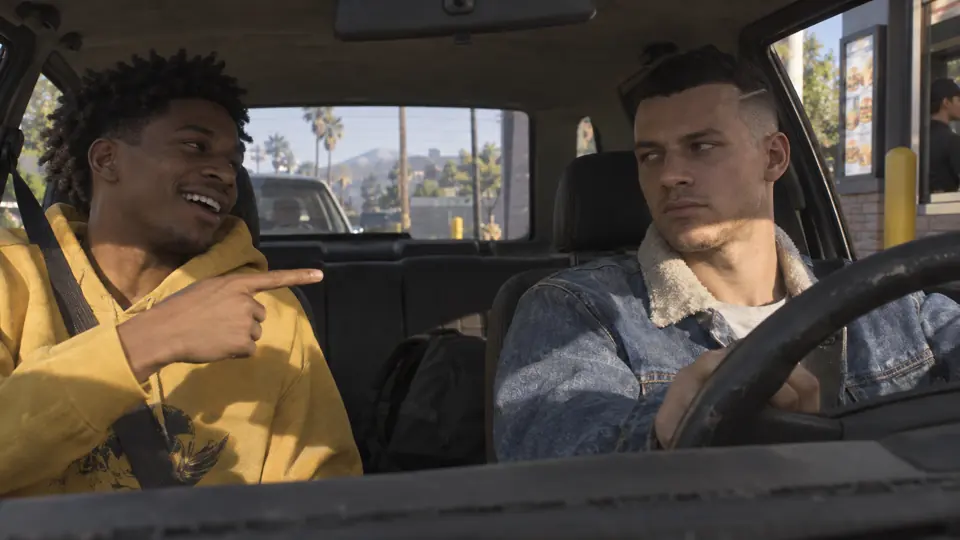
#2Funnyat 46:38 · 0:17 long · score 67

The roast cutscene

He hits the famous haircut roast and can't stop laughing.
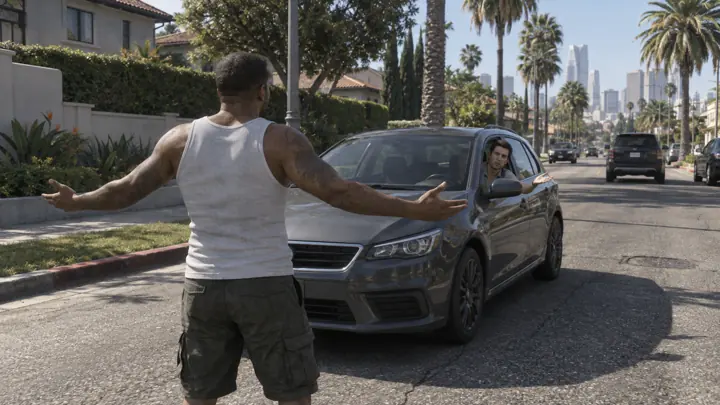
#3Funnyat 57:22 · 0:15 long · score 45

Zero chill in the alley

Out of nowhere he starts a fight with a passer-by, then yells at a car to keep driving.
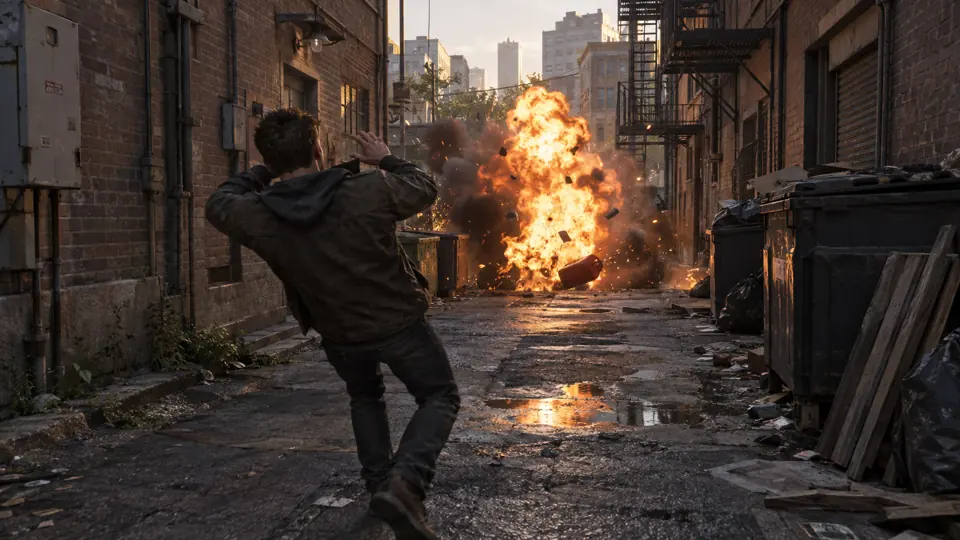
#4Failat 59:31 · 0:13 long · score 41

“I don't need cover, I got aim”

He brags about his aim, then hits the gas can right in front of him.

Example from Oakgen. The pictures are stand-ins, because the streamer's footage is not Oakgen's to show.

How it finds the moments

the stream is scanned in 30-minute parts, and each moment is checked again closely before it is cut
Chat activityStretches where the chat gets busy.
LoudnessSudden jumps in the stream's audio level.
SpeechWhat is said on stream, so a moment can be found from its words.
The video itselfWhat is on screen, checked as well.

What each clip has

  • A vertical 1080x1920 clip at 60 fps
  • Your facecam stacked over the gameplay, when the stream has one
  • Captions timed to each word
  • A hook title on screen
  • A normal Oakgen editor project, so you can change it afterwards

Good to know before you start

  • Only Twitch VOD links work today. YouTube and Kick links do not work yet.
  • It clips a finished VOD, not a stream that is live.
  • You paste a link each time. It does not follow a channel on its own.
  • It does not schedule or post clips for you.
  • It makes single clips, not compilations.

What it costs

as of Nov 19, 2026. Oakgen shows an estimate before every paid step
150credits to scan 30 minutes of stream
70credits for each clip you cut
Pro+plan needed for stream clipping

If no moment passes Oakgen's check, the scan credits come back. Current plan prices are on Oakgen's pricing page.

Clipping GTA 6 streams

Oakgen's GTA 6 clip makerHow clipping works on GTA 6 streams, what it can't do yet, and how it compares with other clipping tools. No account needed to read it.

Before you post

Rockstar's rules for fan footage
✓ Fine to clip
  • Gameplay and free-roam moments
  • Funny moments, stunts, fails and chases
  • Credit the streamer you clipped
✕ Will get taken down
  • Leaked or pre-release footage
  • Story spoilers and endings
  • Cutscenes on their own, cheats and exploits